AI tools for developers no longer fit into one bucket. In 2026, they include IDE copilots, coding agents, AI code review tools, app builders, security tools, and documentation platforms.
This guide is built around workflow, not hype. Some tools are best for inline coding help. Others are better for autonomous execution, rapid prototyping, automated code review, secure delivery, or keeping docs up to date. The market has clearly moved from simple autocomplete toward more agentic systems that can inspect repos, edit multiple files, and help complete real tasks.
Below are 13 standout tools, each matched to a clear use case so you can choose based on how your team actually works. Let’s get started.
What Are AI Tools for Developers?
AI developer tools are software products that help teams write, test, review, secure, document, and ship software faster. The category now spans several distinct types: IDE copilots that suggest code in real time, coding agents that handle multi-step tasks, context-aware code review agents that review AI-generated code, app builders that turn prompts into working interfaces, security tools that catch vulnerabilities, and documentation tools that generate or maintain internal and external docs.
The biggest divide is between assistive and autonomous tools. Assistive tools keep the developer fully in control, usually through suggestions, chat, and review support. Autonomous tools can take broader action, such as editing files, running commands, or planning tasks with limited supervision.
The right choice depends on your team size, stack, engineering maturity, privacy requirements, and where your workflow actually slows down.
Best AI Tools for Developers
1. Cursor
Cursor
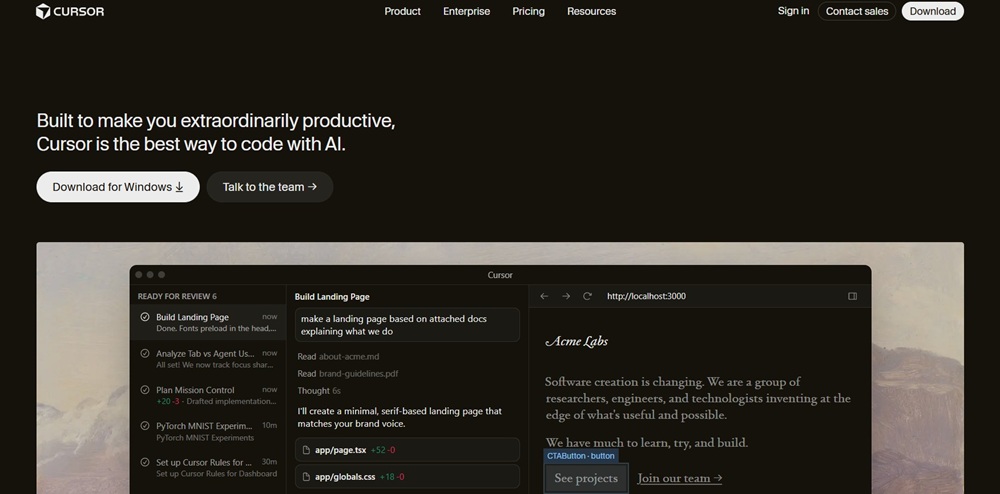
Cursor is an AI-first editor built on VS Code and remains one of the strongest choices for developers who want deep codebase awareness. It supports chat, multi-file edits, refactors, and more agentic workflows inside the IDE.
Strengths:
Strong codebase-wide context across multiple files
Fast chat, refactoring, and inline editing
Supports multiple models
Excellent for active product development
Limitations:
More expensive than simpler assistants
Can over-edit during complex tasks
Still requires review on important changes
Best for: Developers shipping features, refactoring codebases, and working with AI directly inside the editor.
2. GitHub Copilot
GitHub Copilot
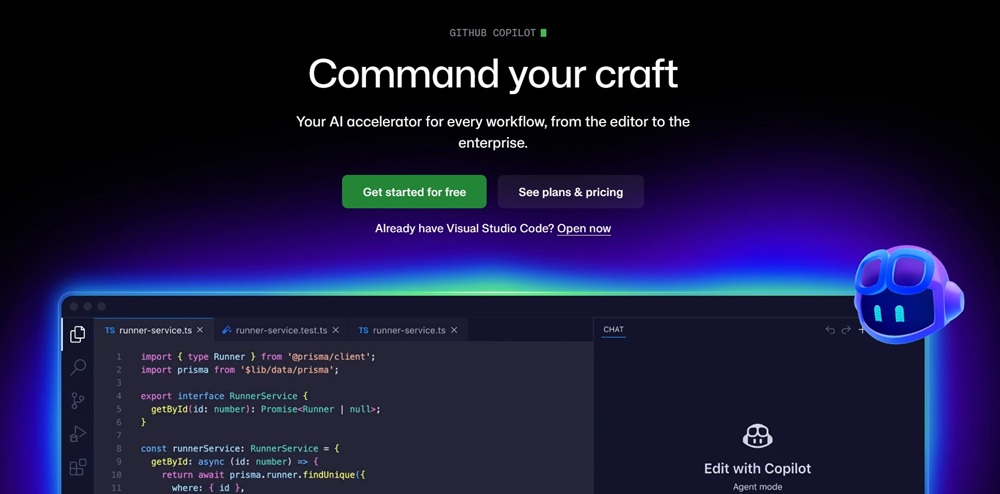
GitHub Copilot is still the default AI coding assistant for many teams because it integrates cleanly with VS Code, JetBrains, Visual Studio, Neovim, and GitHub workflows. It offers inline completion, chat, and pull request support across major languages.
Strengths:
Smooth integration with popular IDEs and GitHub
Reliable suggestions across common languages
Mature enterprise controls
Easy team adoption
Limitations:
More assistive than autonomous
Less capable than AI-native editors for deeper workflows
Quality depends on context and developer oversight
Best for: Teams that want dependable AI help without changing their development environment.
3. Windsurf
Windsurf
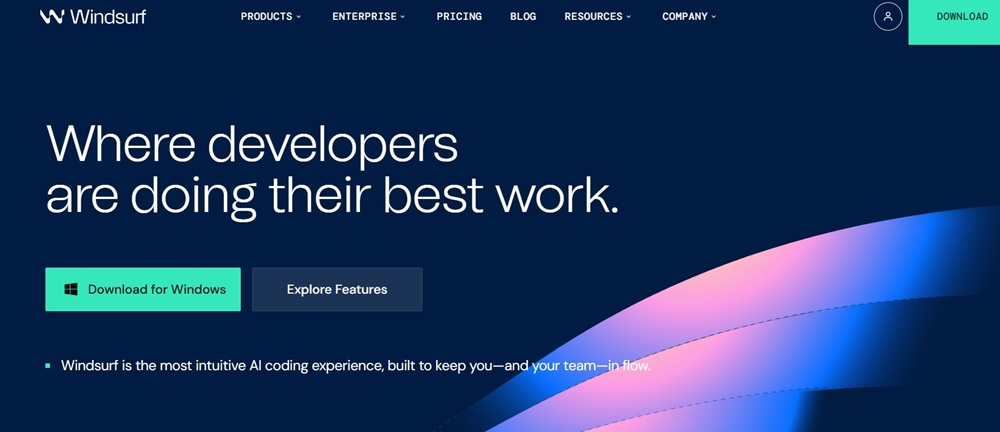
Windsurf is an agentic coding environment built for developers who want more than autocomplete without giving up control. It combines conversational edits, context retrieval, and AI-native workflow design.
Strengths:
Strong project-wide context handling
Natural conversational editing
Better suited to larger codebases than lighter assistants
Good balance of autonomy and control
Limitations:
Results can vary by task
Smaller ecosystem than Copilot or Cursor
Some teams may prefer more established tooling
Best for: Developers who want an AI-native IDE with strong code understanding and agent-style execution.
4. JetBrains AI Assistant
JetBrains AI Assistant
JetBrains AI Assistant brings AI directly into IntelliJ IDEA, PyCharm, WebStorm, GoLand, Rider, and other JetBrains IDEs. It helps with code generation, explanations, refactoring, and documentation without forcing teams into a new editor.
Strengths:
Deep integration across JetBrains IDEs
Strong fit for Java, Kotlin, and JVM-heavy stacks
Useful for explanations, refactoring, and docs
Minimal workflow disruption
Limitations:
Best inside the JetBrains ecosystem
Less flexible for mixed-editor teams
Less agentic than newer AI-native tools
Best for: Professional teams already standardized on JetBrains products.
5. Tabnine
Tabnine
Tabnine is a privacy-focused AI coding assistant designed for teams that care about control, governance, and deployment flexibility. It supports multiple languages and IDEs, with options that fit regulated environments.
Strengths:
Strong privacy and compliance posture
Local and controlled deployment options
Good fit for enterprise governance
Works across major IDEs
Limitations:
Narrower than more agentic tools
Weaker for complex multi-step tasks
Less appealing for solo developers
Best for: Enterprises, regulated teams, and developers who prioritize privacy and compliance over cutting-edge autonomy.
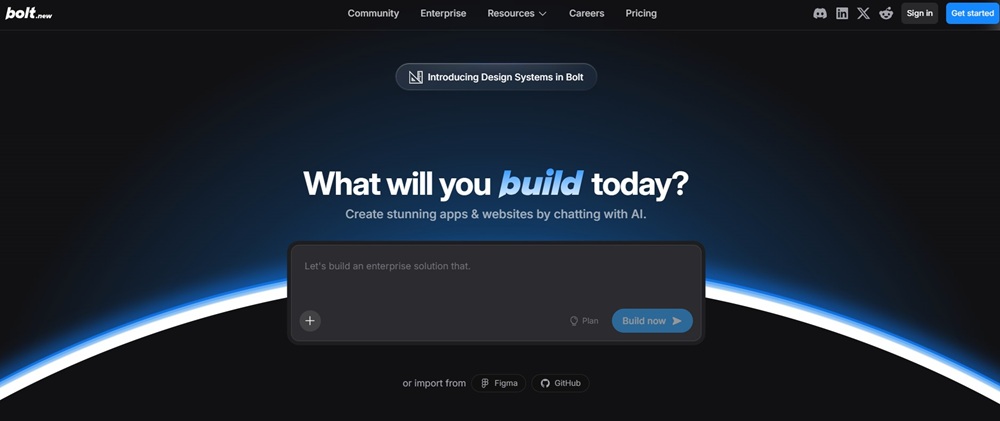
6. Bolt.new
Bolt.new
Bolt.new is a browser-based AI development environment that can scaffold, build, and deploy full-stack apps quickly. It is one of the fastest ways to move from prompt to working product without local setup.
Strengths:
Extremely fast for rapid prototyping
No local environment setup required
Strong for frontend-heavy builds
Useful for demos and MVPs
Limitations:
Less ideal for deeply customized production systems
Teams may outgrow browser-only workflows
Flexibility narrows as complexity increases
Best for: Founders, solo developers, and product teams validating ideas fast.
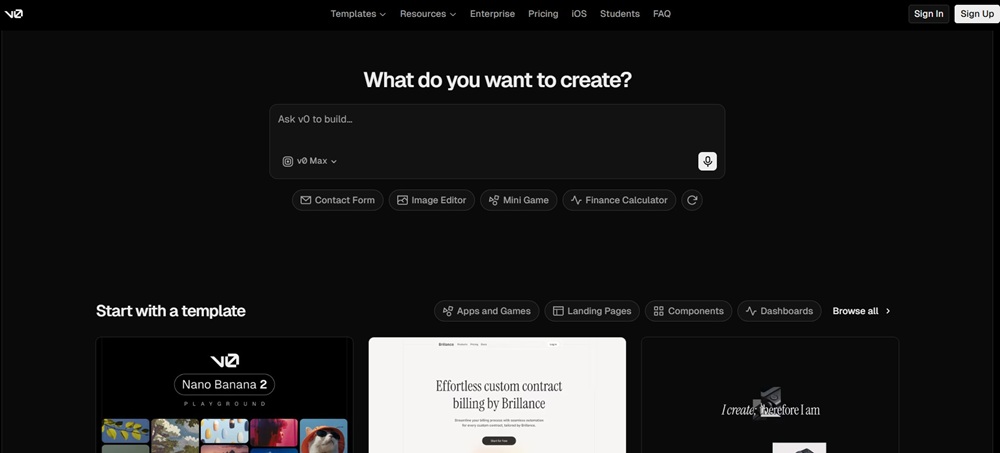
7. V0
V0
V0 by Vercel specializes in generating modern UI and frontend components, especially for React and Next.js projects. It is built for fast interface generation with a cleaner frontend output than many general-purpose tools.
Strengths:
Excellent for UI generation from simple prompts
Strong React and Next.js output
Useful for landing pages, dashboards, and components
Fits neatly into Vercel workflows
Limitations:
Frontend-focused rather than full-stack
Less useful for backend logic or systems work
Best results depend on modern web stack use
Best for: Frontend developers, design engineers, and startups shipping polished interfaces quickly.
8. Devin
Devin
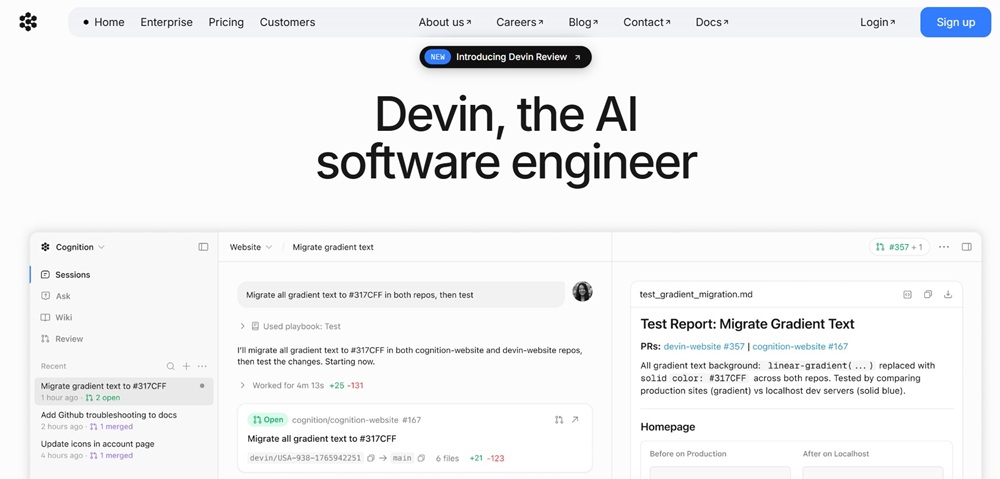
Devin is positioned as an autonomous AI software engineer that can take on larger end-to-end tasks such as planning, coding, debugging, and execution. It is notable because it aims to own chunks of work rather than just suggest code.
Strengths:
Can handle broader engineering tasks
Useful for scoped internal builds and repetitive work
Reduces context switching across planning and implementation
Strong upside for agentic experiments
Limitations:
Still needs close supervision
Works best with tight task boundaries
Can waste time when goals are vague
Best for: Teams exploring autonomous development on well-defined, reviewable tasks.
9. Cline
Cline
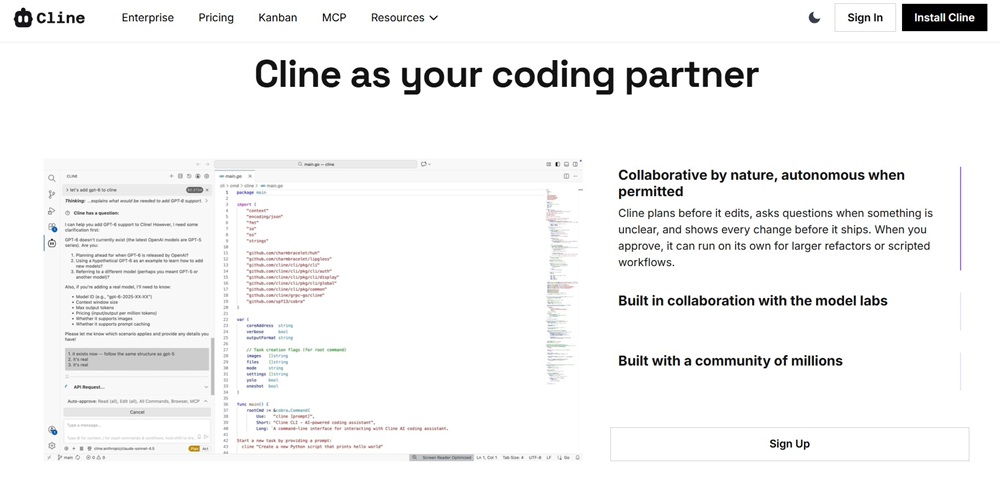
Cline is an open-source autonomous coding agent for VS Code aimed at developers who want transparency and model flexibility. It can inspect files, propose plans, run commands with permission, and handle multi-step work.
Strengths:
Open source and transparent
Works with multiple models
Strong for agentic, multi-step workflows
Better control for privacy-sensitive teams
Limitations:
Less polished than paid all-in-one tools
Output quality depends on the connected model
Can require more manual orchestration
Best for: Power users, open-source enthusiasts, and teams avoiding vendor lock-in.
10. Aider
Aider
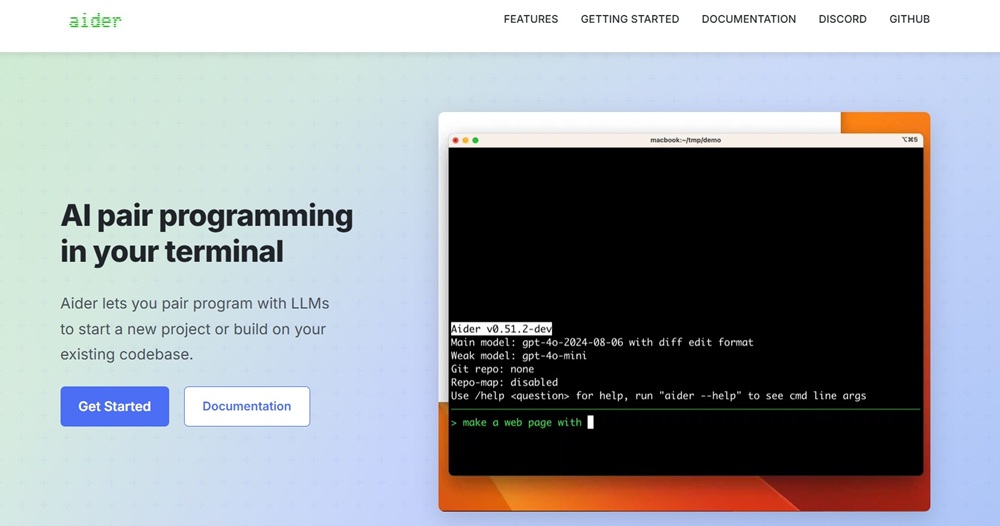
Aider is a terminal-based AI pair programming tool that works directly with your local Git repository. Instead of replacing the IDE, it fits into the command-line workflow many experienced developers already prefer.
Strengths:
Works directly with local Git repos
Transparent edits and commits
Lightweight compared with full IDE assistants
Strong for iterative, text-first workflows
Limitations:
Less approachable for beginners
Not ideal for teams wanting a visual all-in-one interface
Best for: Terminal-native developers, open-source contributors, and privacy-conscious engineers.
11. Snyk AI
Snyk AI
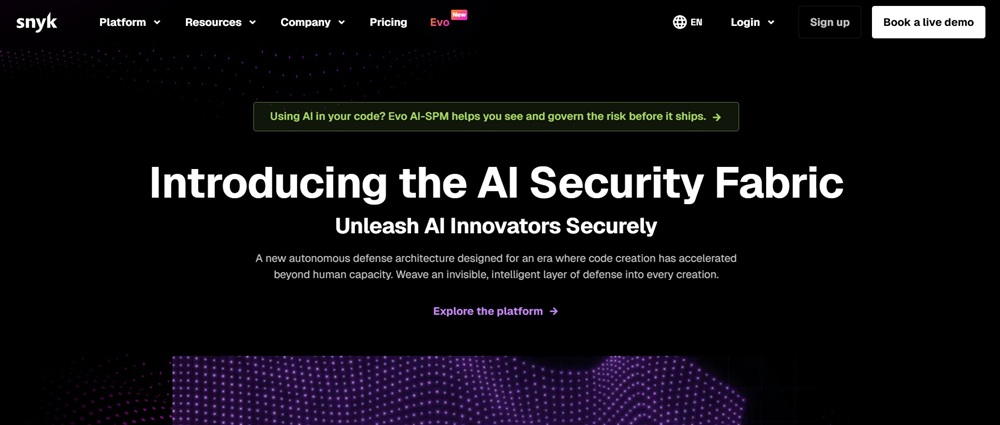
Snyk AI focuses on security rather than code generation, making it especially important as AI-assisted development increases shipping speed. It helps identify vulnerabilities in code, dependencies, containers, and infrastructure as code, then suggests fixes in developer workflows.
Strengths:
Broad security coverage across code and infrastructure
Useful remediation guidance
Strong fit for DevSecOps programs
Helps catch risks earlier in the lifecycle
Limitations:
Complements coding tools rather than replacing them
Best value comes with established security processes
Best for: Engineering teams that need secure pipelines and stronger governance around modern software delivery.
12. Mintlify
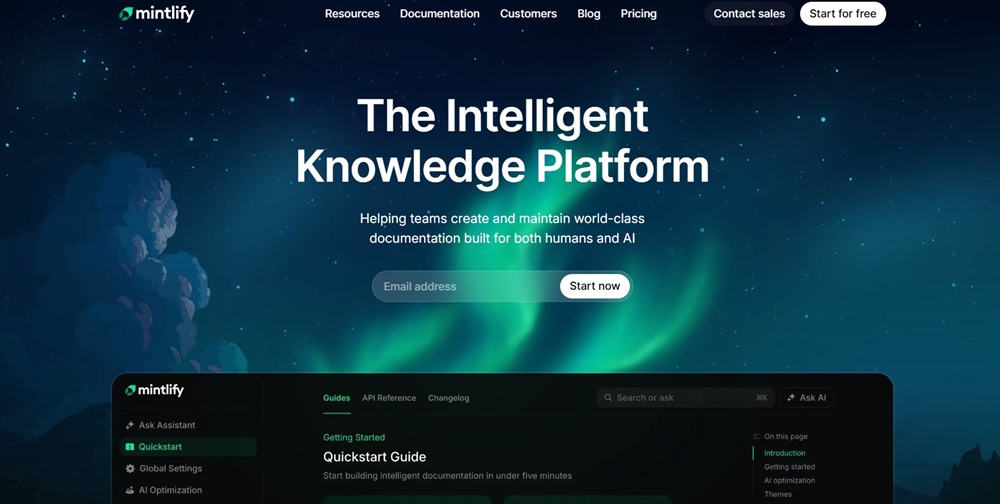
Mintlify
Mintlify helps teams generate and maintain developer documentation without turning docs into a separate project. It reduces repetitive writing and helps keep internal or external docs aligned with product changes.
Strengths:
Generates docs from code and existing sources
Reduces documentation debt
Useful for internal and external developer docs
Strong fit for API and platform teams
Limitations:
Generated docs still need editorial review
Can miss nuance, structure, or ideal phrasing
Most valuable for teams that already care about docs quality
Best for: Developer platforms, API teams, startups scaling docs quickly, and engineering orgs improving knowledge sharing.
13. Umaku
Umaku
Umaku is an AI-native engineering intelligence platform designed to bring structure, visibility, and context-aware evaluation into AI-driven development workflows. Instead of focusing on code generation, it helps teams understand whether what’s being built actually aligns with project goals, business logic, and engineering standards.
It introduces a layered context system that connects project intent (charter), technical architecture, and resources with execution through sprints, tickets, and code. This allows its AI agents to review work not just at the code level, but in relation to scope, sprint objectives, and overall project direction.
Strengths:
Context-aware code review tied to business logic and project scope
Structured workflow across sprints, tickets, and project boards
Multi-agent system that evaluates code, DevOps compliance, bugs, and sprint health
Deep project insights with actionable feedback and automated ticket creation
Human-in-the-loop learning that improves feedback over time
Limitations:
Less focused on code generation or autocomplete workflows
Requires a structured project setup to unlock full value
Best suited for teams managing multi-step AI or data projects
Best for: Teams building AI-driven products, managing distributed engineering workflows, or needing deeper visibility into code quality, sprint performance, and project alignment beyond traditional code review tools.
Comparing the Best AI Tools for Developers
The best choice depends on whether you need coding help, autonomous execution, context-aware review, rapid prototyping, or support functions like security and documentation. No single tool wins every workflow, and deployment style matters too.
Tool
Primary Category
Biggest Strength
Main Limitation
Best For
Cursor
AI IDE
Multi-file refactoring and codebase awareness
Paid, can over-edit
Product developers
GitHub Copilot
Coding Assistant
Mature ecosystem and reliability
Less autonomous
Teams on GitHub
Windsurf
Agentic IDE
AI-native workflow and context retrieval
Less proven than incumbents
Developers wanting agentic flow
JetBrains AI Assistant
IDE Assistant
Native JetBrains integration
Ecosystem-specific
JVM and JetBrains teams
Tabnine
Privacy-First Assistant
Local and controlled deployment
Narrower autonomy
Enterprise and regulated teams
Bolt.new
App Builder
Fast browser-based full-stack prototyping
Not ideal for complex long-term builds
Startups and prototyping
V0
Frontend Generator
Strong React and Next.js UI output
Frontend-focused
Frontend teams
Devin
Autonomous Agent
End-to-end task execution
Needs tight supervision
Agentic experiments
Cline
Open-Source Agent
BYOM flexibility and transparency
Less polished setup
Power users
Aider
Terminal AI Tool
Local git-native workflow
Less beginner-friendly
CLI-heavy developers
Snyk AI
Security Tool
AI-assisted vulnerability detection
Not a coding copilot
DevSecOps teams
Mintlify
Documentation Tool
Fast automated docs
Needs human editing
API and platform teams
Umaku
Engineering Intelligence Platform
Context-aware project and code evaluation aligned with business goals
Not designed for code generation or inline development workflows
Teams managing multiple AI projects
In practice, many teams will use a small stack rather than a single tool: one for coding, one for review, one for security, and one for documentation or prototyping.
Choosing The Right Tool For Your Workflow
Choose based on where your team actually loses time, not hype. If coding and refactoring are the main bottlenecks, start with GitHub Copilot or upgrade to Cursor for deeper codebase awareness. For privacy-sensitive setups, Tabnine, Cline, or Aider offer more control. If speed matters for product experiments, Bolt.new works well for full-stack prototyping, while V0 is better for polished frontend output.
For autonomous execution, test Devin or Cline on clearly scoped tasks. If security and governance are priorities, pair your coding assistant with Snyk AI. If documentation slows adoption or internal alignment, Mintlify helps reduce that friction.
As workflows grow more complex, tools like Umaku add a different layer by improving visibility into project execution, sprint performance, and code alignment with business goals.
The most effective teams don’t rely on one tool—they build a focused stack that fits their workflow, risk profile, and delivery model.
FAQ
Which AI Tool Is Best for Beginner Developers?
For most beginners, GitHub Copilot is the best place to start because it works inside familiar IDEs and has a lower learning curve than more agentic tools.
What Is the Best AI Tool for Full-Stack Prototyping?
Bolt.new is one of the best choices for fast full-stack prototyping, while V0 is usually better when your priority is frontend UI generation.
Are There Good Privacy-Focused AI Tools for Developers?
Yes. Tabnine is strong for enterprise privacy, while Cline and Aider are good options for developers who want more local control and less vendor lock-in.
Which AI Tools Help with Security Instead of Code Generation?
Snyk AI is a leading option for vulnerability detection and remediation. It works best alongside coding assistants rather than replacing them.
Should Developers Use One AI Tool or Several?
Most teams get better results from a small stack: one coding assistant, one security tool, and optionally one documentation or prototyping tool.
Share this article
Share on LinkedIn, send by email, or copy the direct link.